Customer System User Manual
AmarGold User Documentation
Explore step-by-step feature usage instructions, expandable FAQs, actual Desktop & Mobile UI screenshots, and visual SVG process flowcharts.
1. Onboarding & Account Security
Topic #1Step-by-Step Guide: How to Register & Set Up Your Vault
- Open Registration Form: Click
Create Accounton the homepage or header bar. - Fill Personal Credentials: Enter your Full Name, active Email, and Phone Number.
- Select Account Type: Choose General Investor (for 22K hallmark gold) or Professional Investor (for 24K pure bullion).
- Verify Email & Phone: Open the automated email verification link and complete the SMS OTP check to activate your vault.
Actual UI Interface Screenshots
2. Profile & KYC Identity Verification Hub
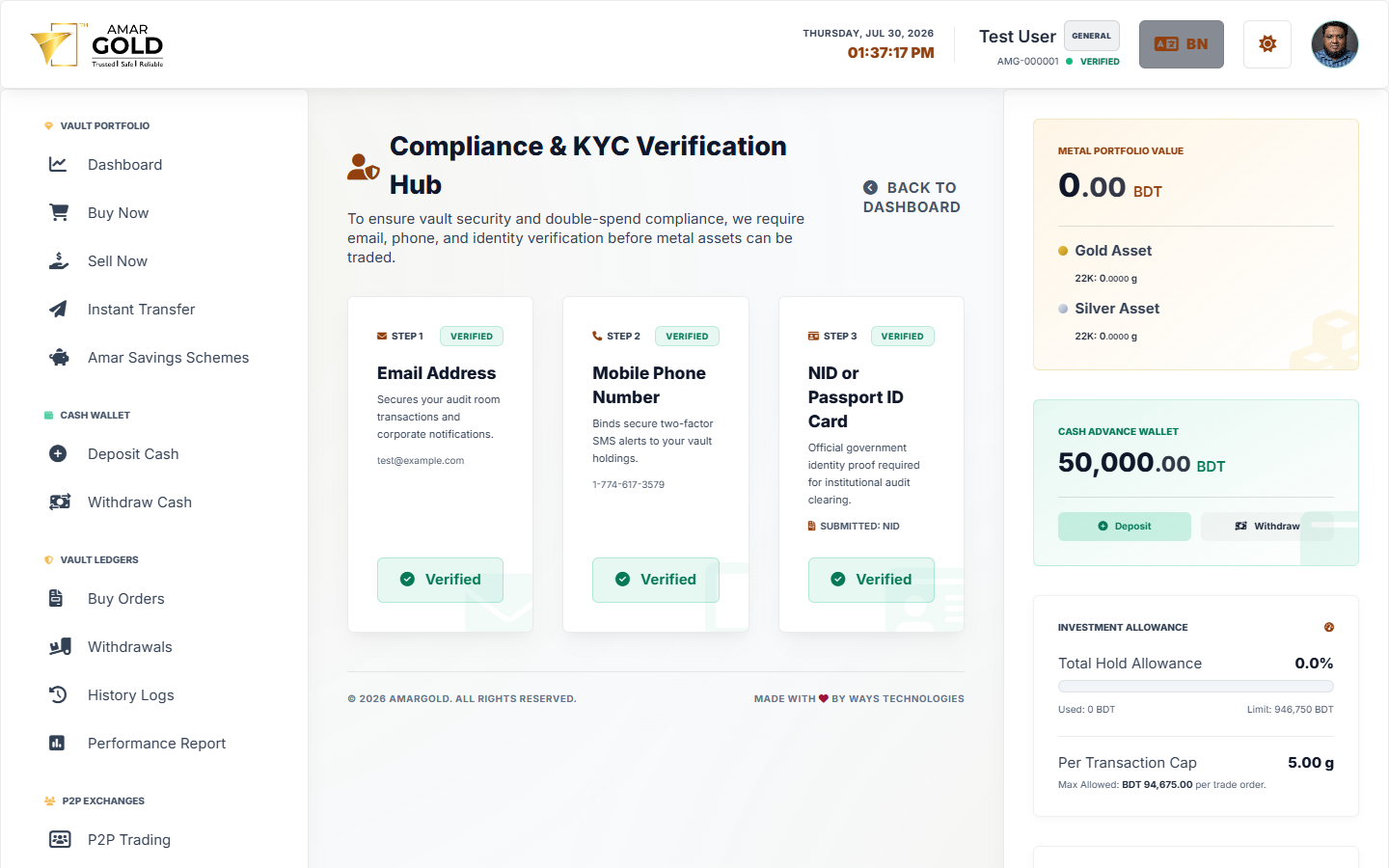
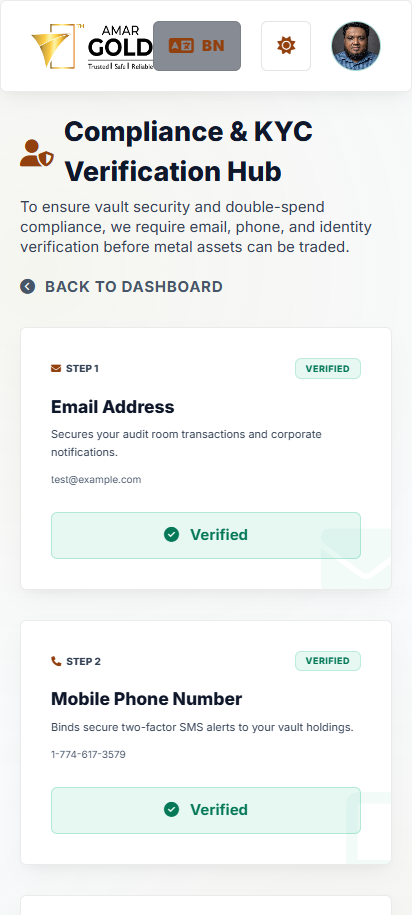
Topic #2Step-by-Step Guide: How to Verify Your NID Identity
- Open Verification Hub: Click
Verificationfrom your dashboard sidebar menu. - Input Document Details: Enter your official National ID (NID) or Passport number and Date of Birth.
- Upload Photos: Attach clear, unedited photographs of the Front Side and Back Side of your document.
- Submit for Review: Click
Submit for Verification. The audit status changes to Pending Audit until approved by moderators.
Verification Interface Screenshots
3. Cash Wallet & Bank Funding
Topic #3
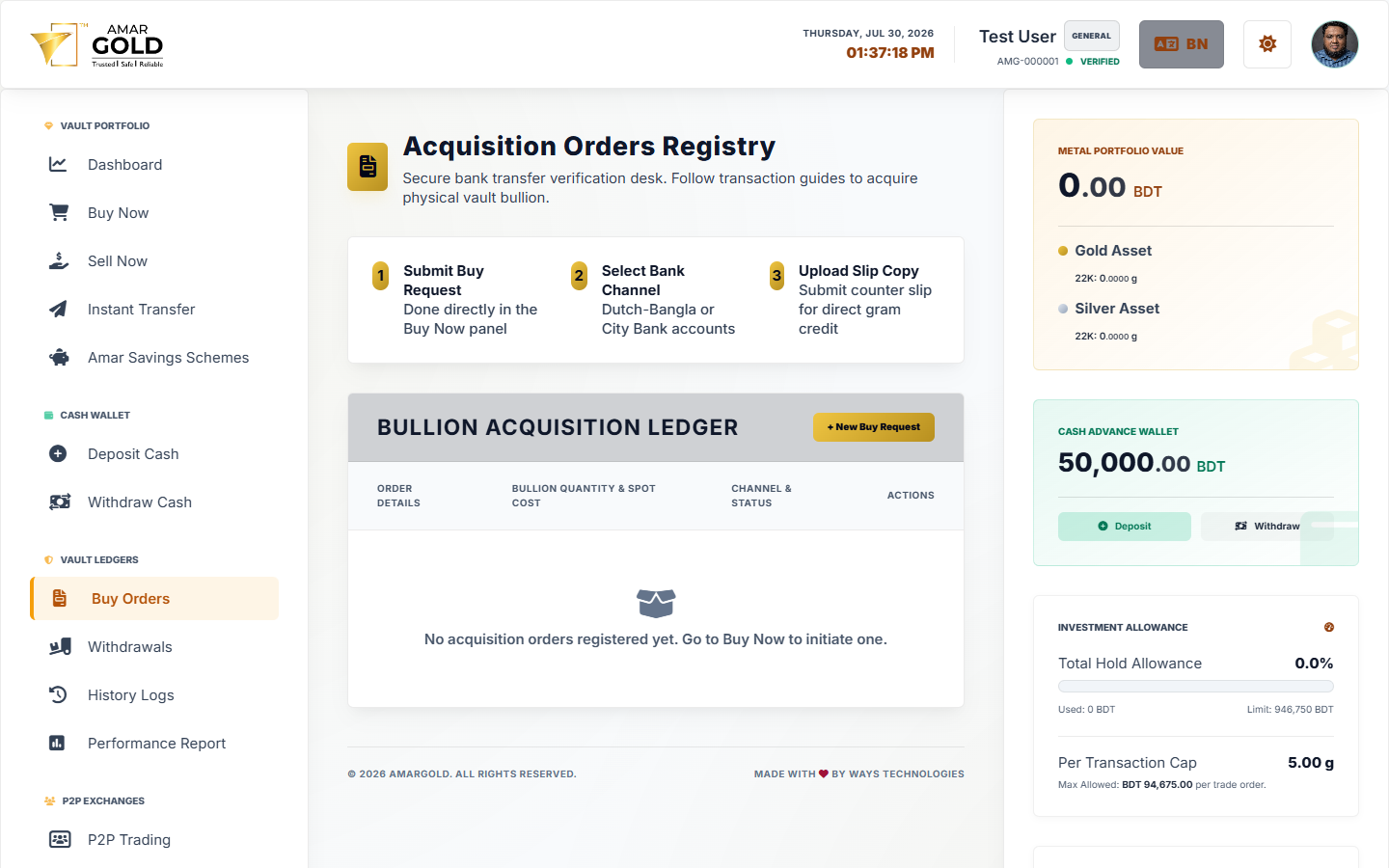
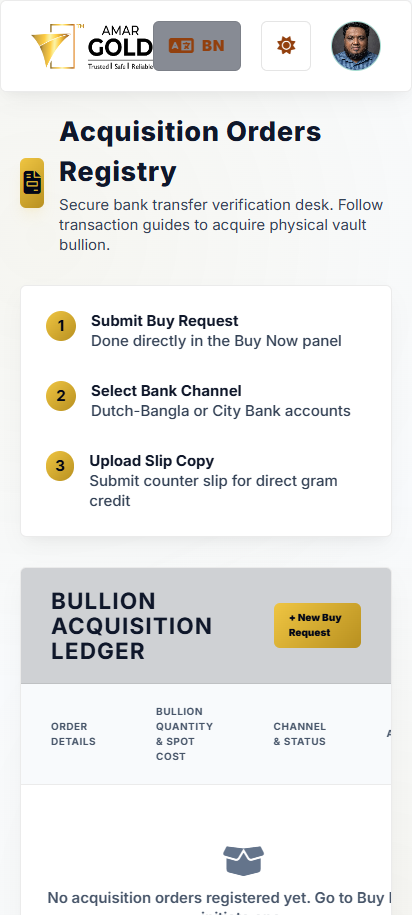
Step-by-Step Guide: How to Fund Your BDT Cash Wallet
- Initiate Deposit: Click
Deposit Cashfrom your dashboard header or wallet section. - Select Bank Channel: Choose a listed corporate bank account (e.g. Dutch-Bangla Bank, City Bank, or Mobile Merchant).
- Transfer Funds: Execute your cash transfer via online banking app, mobile money, or over-the-counter deposit.
- Submit Deposit Receipt Slip: Fill in the transfer amount, sender account info, transaction reference ID, and upload a photograph of your transfer slip.
- Wallet Balance Update: Admins audit the slip against corporate bank statements. Your Cash Wallet BDT balance updates immediately upon approval.
Deposit Interface Screenshots
4. Buying, Instant Selling & Vault Weight Transfers
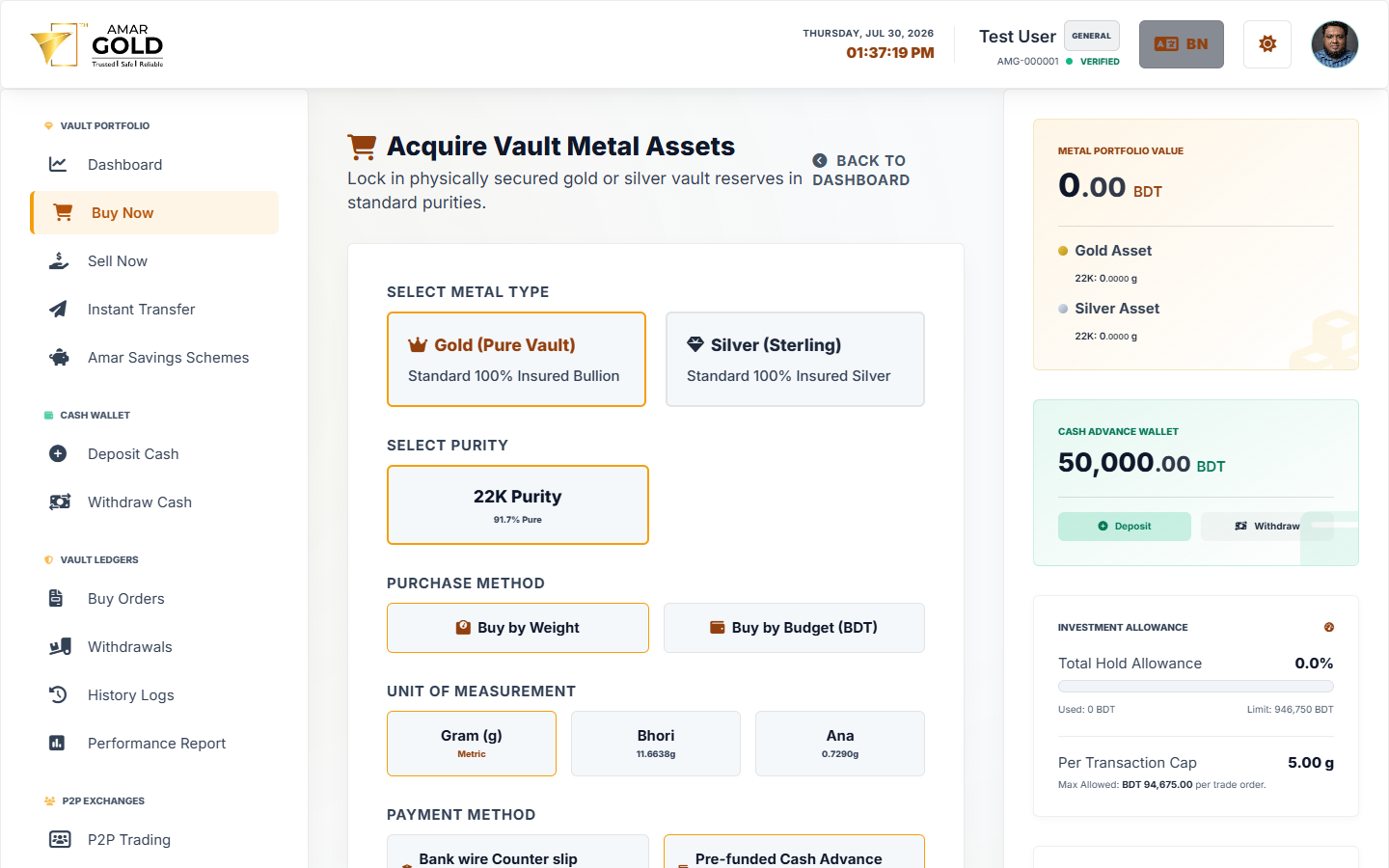
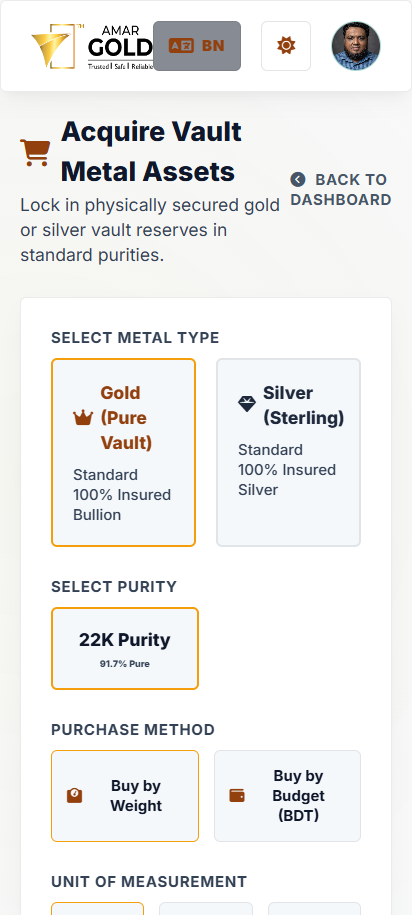
Topic #4Step-by-Step Guide: How to Buy, Instant Sell & Transfer Gold
- Buy Gold/Silver: Navigate to
Buy Gold. Enter your BDT expenditure or target weight in grams. The live spot engine calculates the exact weight allocated to your vault. - Instant Sell Liquidation: Navigate to
Instant Sell. Specify the weight to liquidate. Cash is instantly credited back to your BDT Wallet balance. - Direct Weight Transfer: Navigate to
Transfer Weight. Enter the recipient's registered email or phone number and confirm the transfer with your security PIN.
Buy & Sell Interface Screenshots
5. Peer-to-Peer (P2P) Marketplace Trading
Topic #5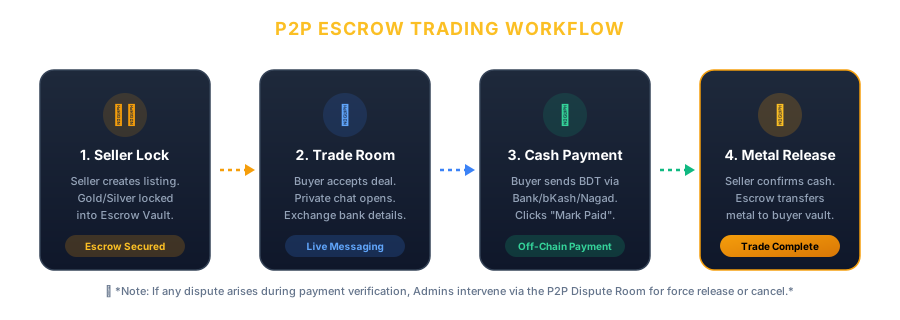
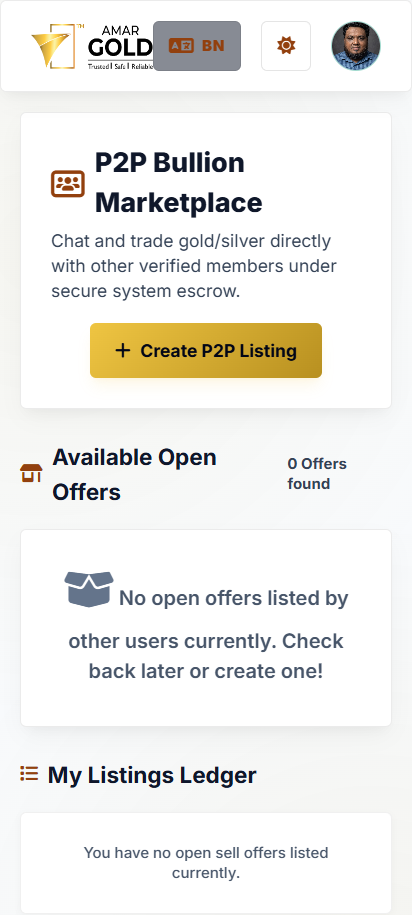
Step-by-Step Guide: How to Execute P2P Escrow Deals
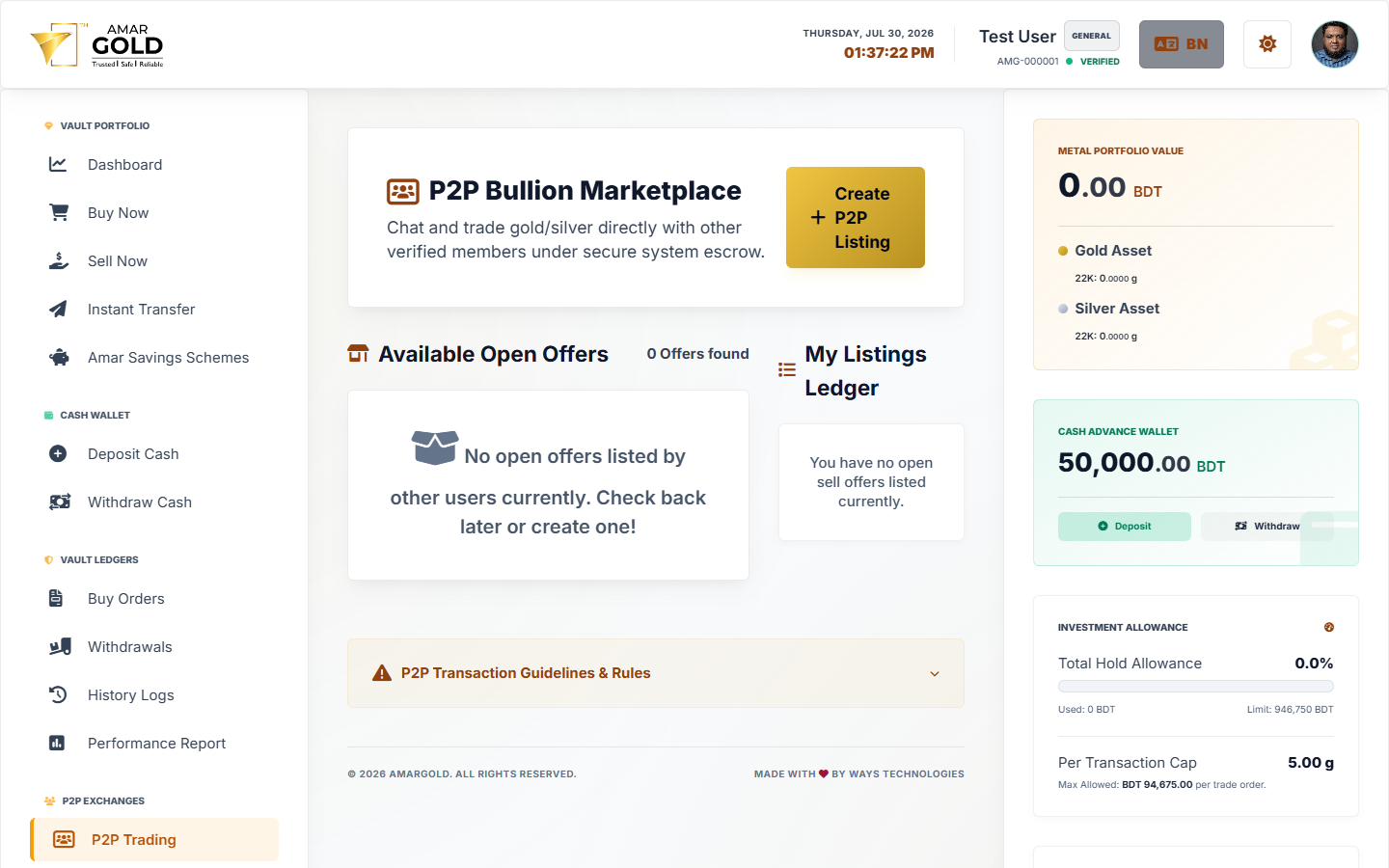
- Seller Locks Metal: Seller clicks
Create P2P Listing, entering weight, price per gram, and accepted payment methods. The gold/silver weight is immediately locked into Escrow. - Buyer Initiates Deal: Buyer selects an active listing and clicks
Buy P2Pto open the private Trade Room. - Off-Chain Cash Transfer: Buyer sends BDT cash directly to the seller's bank account or mobile money details provided in chat, then clicks
Mark as Paid. - Seller Releases Escrow: Seller checks their bank balance. Upon receiving cash, seller clicks
Release Metal. Escrow transfers gold weight to the buyer instantly.
P2P Interface Screenshots
6. DPS Savings Schemes (Gold Savings Plan)
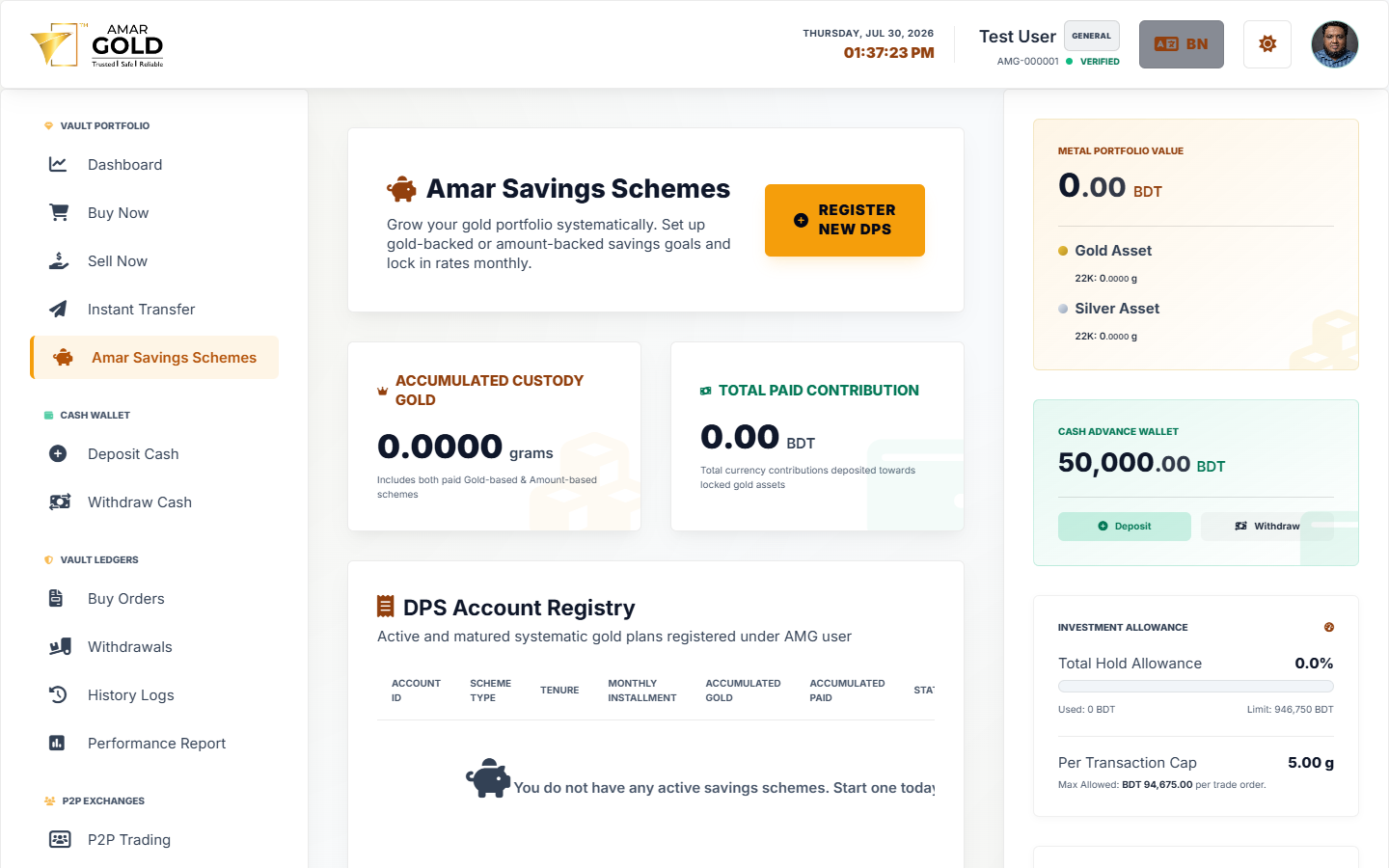
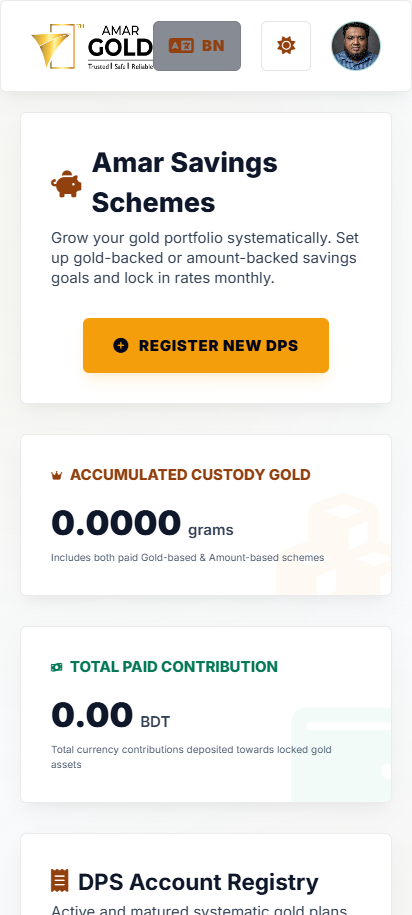
Topic #6Step-by-Step Guide: How to Start & Pay a Gold DPS Plan
- Start a DPS Plan: Navigate to
DPS Savingsand clickNew Savings Scheme. - Choose Duration & Target Weight: Select duration (6, 12, 24, or 36 months) and set monthly target weight (e.g. 1g, 2g, 5g per month).
- Pay Monthly Installments: Pay each monthly installment using your Cash Wallet BDT balance or uploading bank transfer slip images.
- Mature Scheme: Once all monthly installments complete, mature the plan to credit cumulative gold weight directly into your active Vault Reserves.
DPS Interface Screenshots
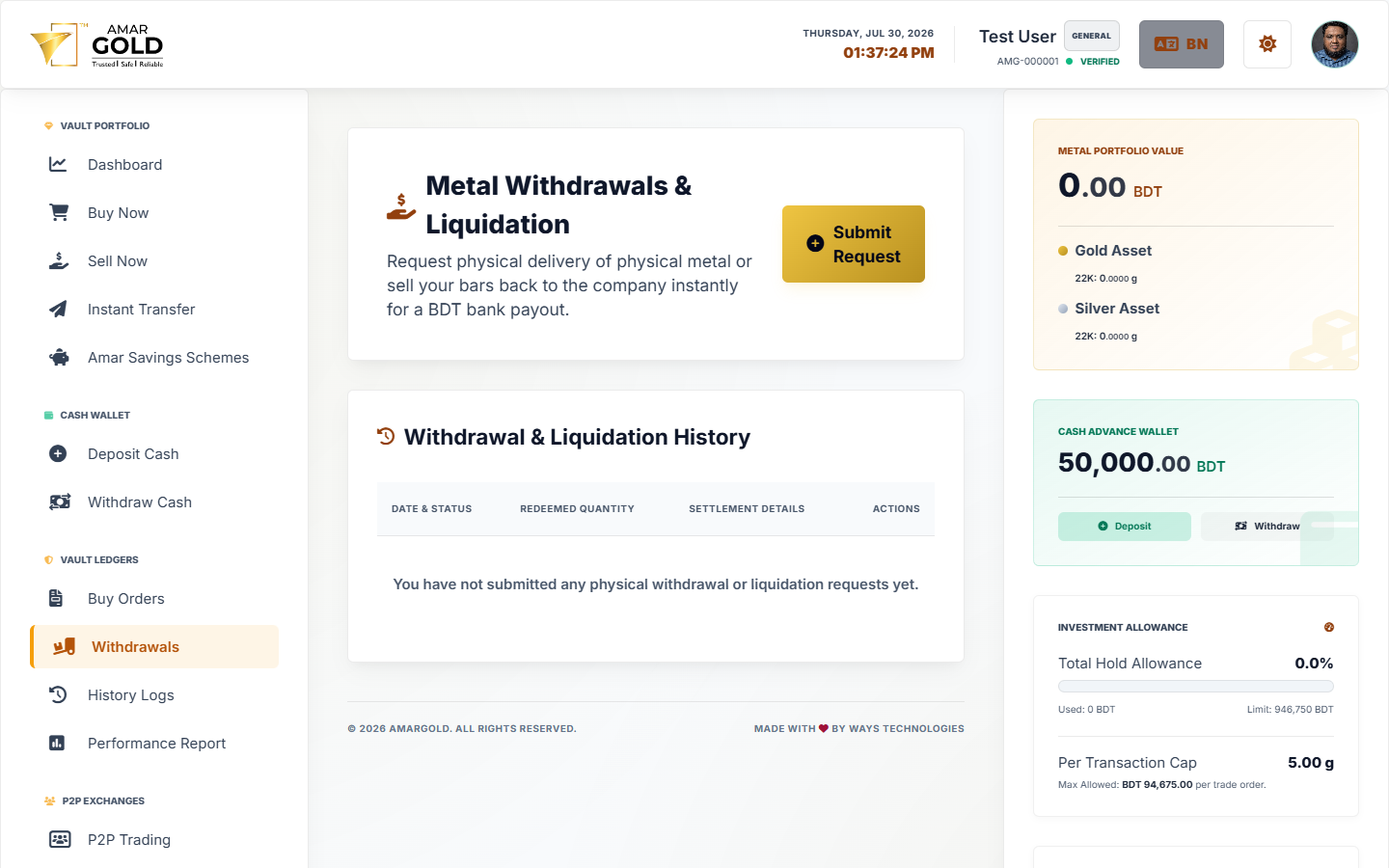
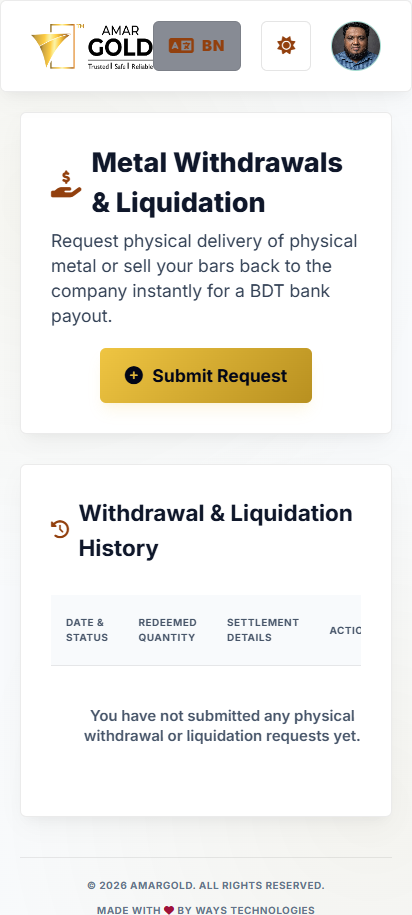
7. Physical Vault Delivery & Collection
Topic #7
Step-by-Step Guide: Ordering Physical Gold Bar Delivery
- Request Physical Delivery: Navigate to
Physical Deliveryand clickRequest Physical Bar. - Select Bar Specifications: Choose hallmarked 24K or 22K gold/silver bar size (e.g. 1g, 5g, 10g, 100g).
- Choose Collection Method: Select Vault Branch Pickup or Insured Courier Delivery and provide shipping details.
- Track & Chat Logistics: Open the order detail view to track serial bar allocation and communicate with logistics staff via direct messaging.
Physical Delivery Interface Screenshots